.svg)

.avif)
3 factors determine if simulated training makes you better at scanning real patients.
Change any parameter on Corsmed, and the image updates exactly as it would on a real scanner, including contrast, resolution, SNR, scan time, CNR, SAR, and artifacts.
Corsmed lets users practice the full range of clinical scenarios, including sequences, parameters, hardware, patient types, anatomy, pathologies, motion, and slice planning.

The Corsmed interface mirrors real scanner consoles. Users run protocols, plan slices, adjust parameters, review images, and post-process the same way as on real equipment.
Corsmed is the only simulator that delivers all 3 factors required to learn real MRI scanning.
1 hour on Corsmed = 1 hour on a real scanner.
Corsmed is the only simulator that creates images from scratch like real scanners, giving you accurate artifacts, contrast, SNR, resolution, CNR, scan time, and SAR.
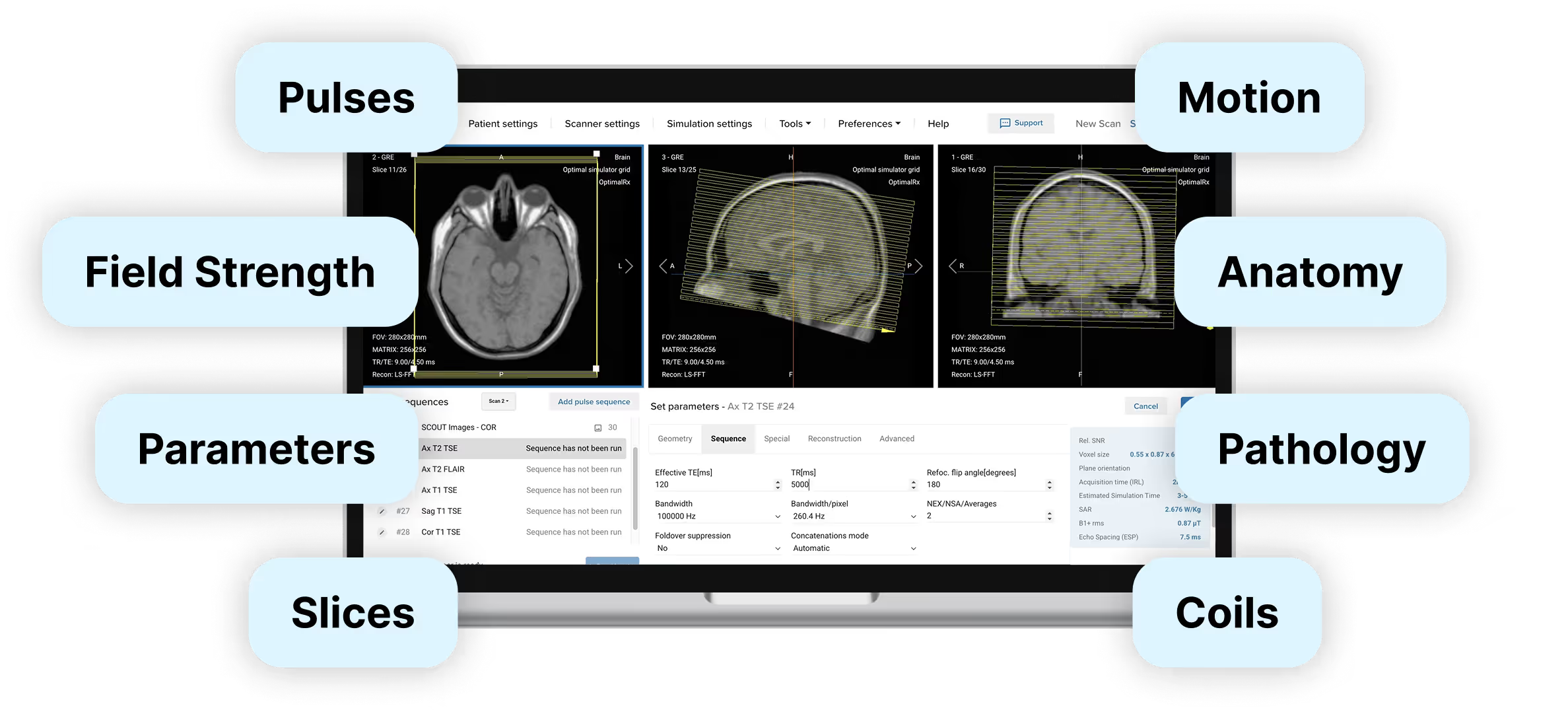

2. Parameter coverage
...And many more.
...And many more.
...And many more.
See all parameters and settings
.svg)
Corsmed uses a single vendor-neutral interface that mirrors the standard workflows shared by all MRI scanner manufacturers (GE, Siemens, Philips, etc). Patient registry, sequence selection, protocol optimisation, image review; the workflow is the same.
What you learn on Corsmed transfers directly to real scanners.


The simulator also comes bundled with pre-configured protocols across all anatomical regions: neuro, neck, spine, chest, thorax, abdomen, pelvis, lower extremities, and upper extremities.
For real clinical practice, Corsmed is the only solution trusted by MRI educators




.svg)
.avif)


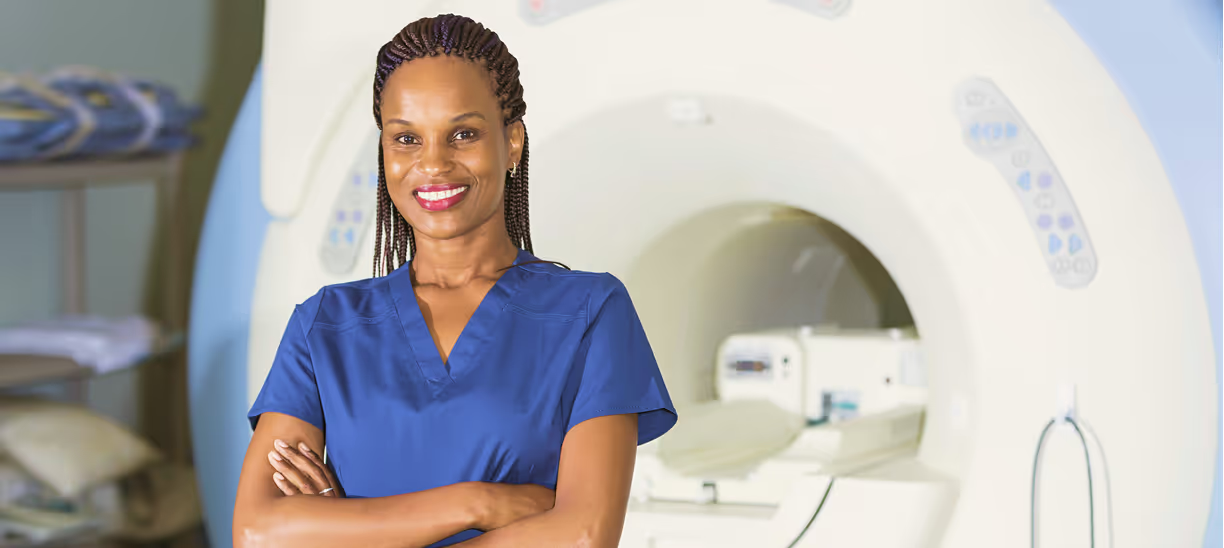


Join the institutions and hospitals already practicing with Corsmed.
The simulator shows you immediately if your scan works. You see the resulting image quality, contrast, resolution, SAR levels, and scan time as soon as you run the sequence.
What counts as a "correct" scan depends on the clinical situation: a T1-weighted brain scan requires different settings than a cardiac cine.
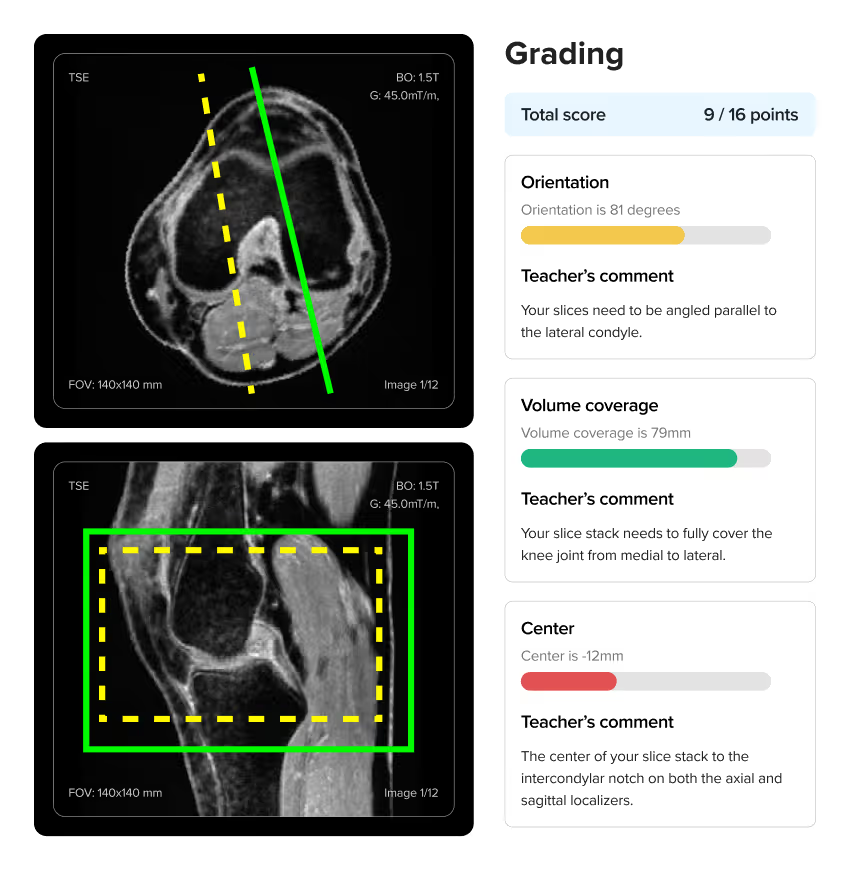
To know if you're scanning correctly, we provide scanning exercises with instant auto-graded feedback. Our course material includes many scan exercises where you're tasked to perform specific types of scans. The auto-grading gives you clear feedback on whether you've achieved the clinical objective, and if not, how you can improve your scan.
For individuals, our MRI bundle includes Doug Boyd's textbook Boyd's Comprehensive Guide to MRI, which also contains reference images showing what correct scans should look like for different protocols.
For organizations, we provide pre-built courses you can deploy immediately. You can also build custom courses and create your own scan assignments tailored to your curriculum. You can create your own scan exercises, or use those the Corsmed team has built.
Yes. The simulator includes dynamic scanning and bolus injection tools. You can perform simulated scans with contrast injections, adjust the amount and timing of the contrast, and also the weight of the patient.
We also have a special bolus injection timing tool, where you can practice injection timing without real-life pressure.

Corsmed offers a single vendor-neutral interface. This helps you focus on learning the universal MRI principles that apply across all manufacturers, rather than where buttons happen to be located on a specific brand.
Mastery of the fundamentals is what employers most look for when hiring:
"As an MRI educator, I appreciate Corsmed’s vendor-neutral design.
Learners stop focusing on button labels and start grasping the core MRI concepts. That shift has made them far more skilled on every scanner they touch."
No, setup is extremely simple. Corsmed works on any computer with an internet connection. There's no software to install, no special hardware to buy, and no IT configuration required. Users just log in and access it through a web browser.
NHS UCLH found that a 1-hour introduction is enough for radiographers to begin practicing independently.
"It's straightforward: press 'Scan' and it scans. Click 'Add protocol' and it adds a protocol.
A 1-hour introduction enables our learners to explore independently. There are good video guides within the 'Help' page too."
Noyal Mathew
MRI Practice Educator, NHS UCLH
Even non-technical users learn to use Corsmed very quickly.
"One of our students wasn't very tech-savvy. She needed IT support just to upload her coursework. But she mastered Corsmed, which shows how user-friendly the simulator is."
Dr. Mahmud Khokhar
MRI Program Director, CNI College




.avif)



.avif)